Modern Labeling Solutions
for Windows 10/11
Alert: Our full website function is currently down. Please read on for more.

Website Status
What's going on with SureThing.com???
It's not good! Unfortunately we recently had some catastrophic issues with our servers. Our systems are currently down. This affects the following:
- No access to online accounts
- Unable to process orders online
- Temporarily unable to host software downloads
- Temporarily unable to provide license keys
- Unable to perform license key validations in software
- We are still taking orders for CD Labels and Raffle Tickets via email. See below.
Our top priority it to restore software downloads and validations to our thousands of software customers. This will happen as soon as possible.
We encourage you to contact us with questions or concerns. We're still here and are anxious to help where we can!

CD/DVD Labels
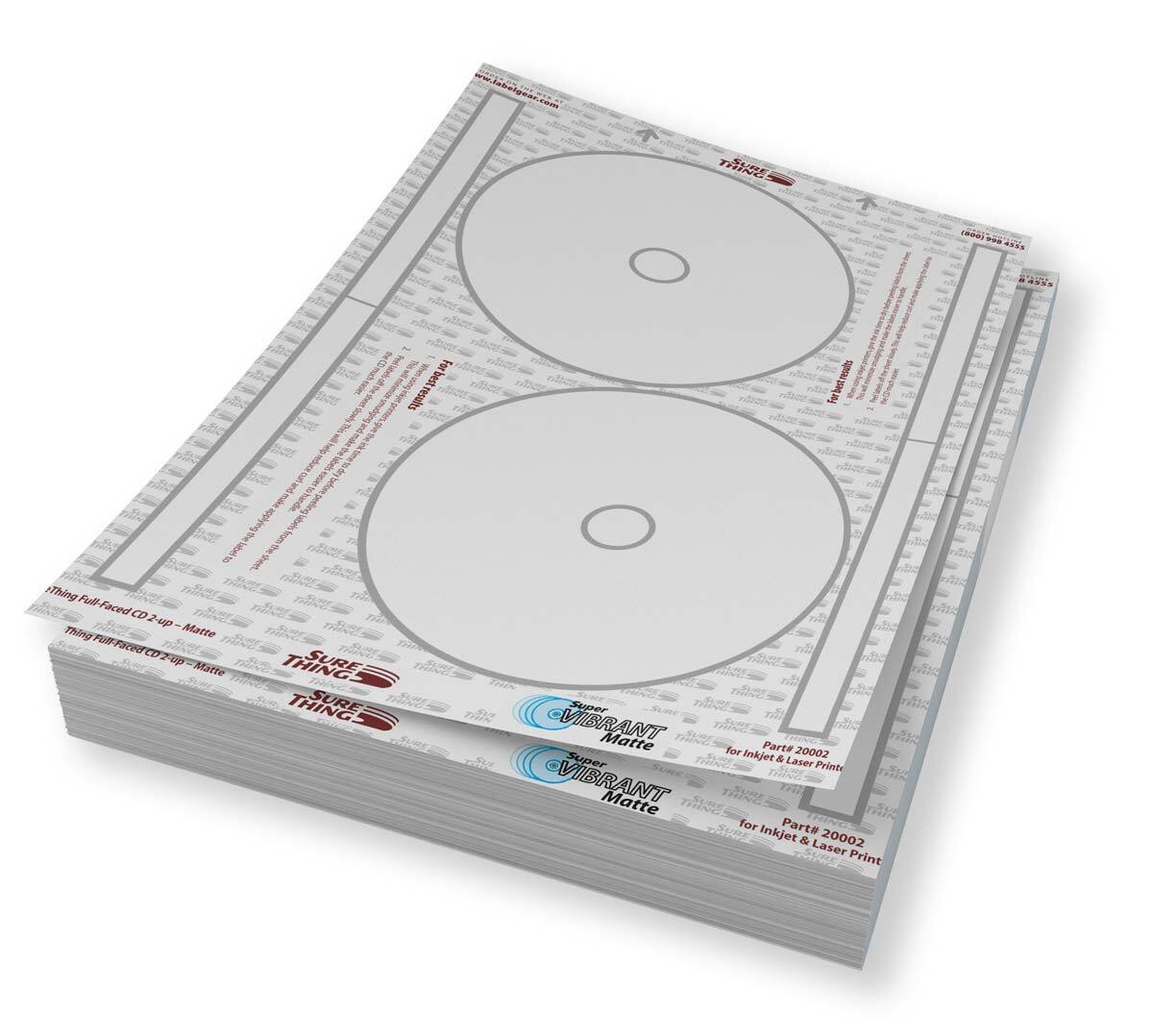
Featuring SuperVibrant Matte CD/DVD Labels
If you need CD/DVD labels or case inserts, you're still in the right place! We can't take orders online, but drop us an email we'll get them right out. Here are some of our more popular items:
- 20001 Standard Face Labels in 100/200 packs
- 20002 Full Face Labels in 100/200 packs
- 22003 Front/Back JC Inserts in 50/100 packs
- 22020 Front JC Booklets in 50/100 packs
- 22011 DVD Case Inserts in 50/100 packs
Looking for something else? Check with us. Send us an email and we'll contact you to confirm your order.
Blank Raffle Tickets
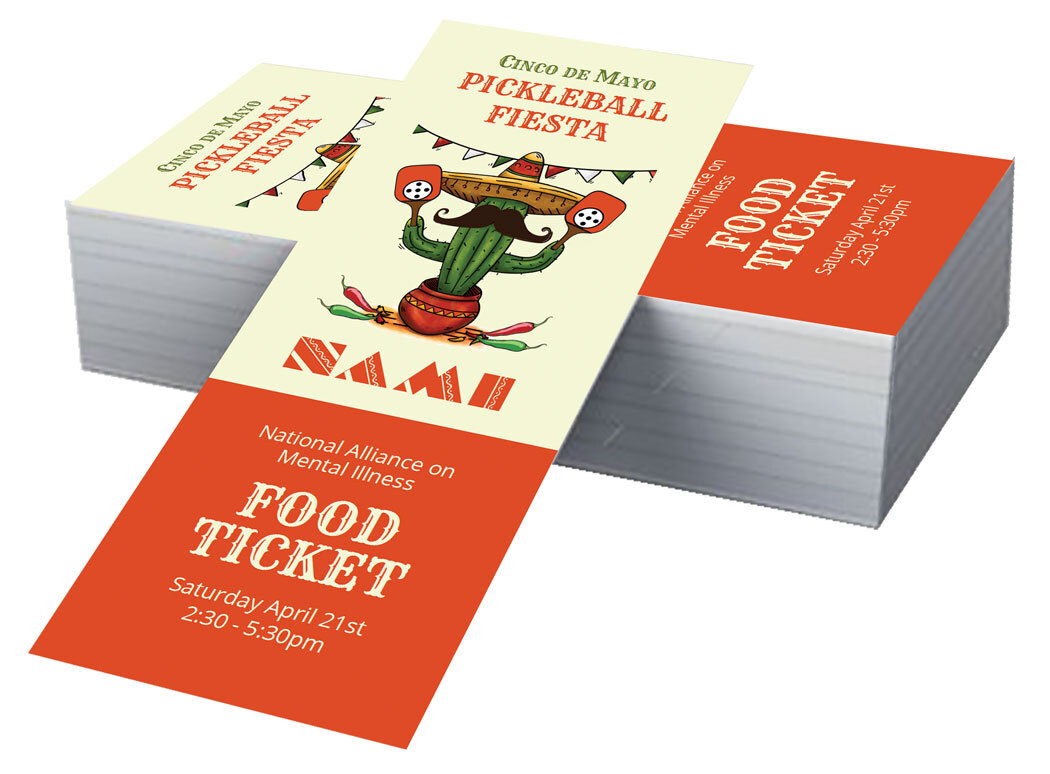
Blank Raffle Tickets for Ticket Maker
We are still taking orders and shipping blank raffle tickets, perfect for use with Ticket Maker 7! We can't take orders online, but drop us an email we'll get them right out. Here are some of our more popular ticket offerings:
- 22103 Standard Tickets - 8-up; 400/800 packs
- 22104 Standard Tickets w/ Edge Guard - 8-up; 400/800 packs
- 22105 XL Tickets - 4-up; 200/400 packs
- 22106 XL Tickets w/ Edge Guard - 4-up; 200/400 packs
Looking for something else? Check with us. Send us an email and we'll contact you to confirm your order.
Visit Website
NOTE: THIS SITE IS NOT FULLY FUNCTIONAL AND YOU WILL RECEIVE SOME ERRORS.
Visit our full site to read more about our product offerings and services. The site is not fully functional, but it will give you a chance to browse and get more information. When it involves any customer interaction, the site is limited. That means you won't be able to login to your account, place orders or request new downloads.